07 — Tutorials
Tutorials
Practical Optijara command guides for AI tools, agents, and automation. Pick a tutorial, copy the commands, and verify the workflow step by step.

Build a Microsoft Copilot Studio customer intake agent for service businesses
Create a Copilot Studio agent that qualifies customers, captures service details, stores lead data, and routes urgent requests to your team.
Command
Define intake fields → create Copilot Studio topic → call Power Automate
How to Install GitHub Copilot CLI on Mac and Windows
Step-by-step guide to installing the GitHub Copilot CLI extension. Learn how to authenticate and run gh copilot suggest and explain in your terminal.
Command
gh extension install github/gh-copilot
How to Install Aider AI Coding CLI on Mac and Windows
Step-by-step guide to installing the Aider AI pair programming CLI on macOS and Windows. Learn how to configure API keys for Claude 3.7 and GPT-4o.
Command
pip install aider-chat
How to Install and Run the Ollama CLI on Mac and Windows
Step-by-step guide to installing the Ollama CLI on macOS and Windows to run local AI models like Llama 3. Includes exact commands and port troubleshooting.
Command
ollama run llama3
How to Install Claude Code CLI on Mac and Windows
Learn how to quickly install Anthropic's Claude Code CLI on Mac or Windows using npm. Copyable commands for global installation and terminal authentication.
Command
npm install -g @anthropic-ai/claude-code
How to Install OpenAI Codex CLI on Mac and Windows (via NPM)
Learn how to instantly install the newest OpenAI Codex CLI agent on Mac or Windows using npm. Includes exact commands and solutions to the common unexpected argument '-q' error.
Command
npm install -g @openai/codex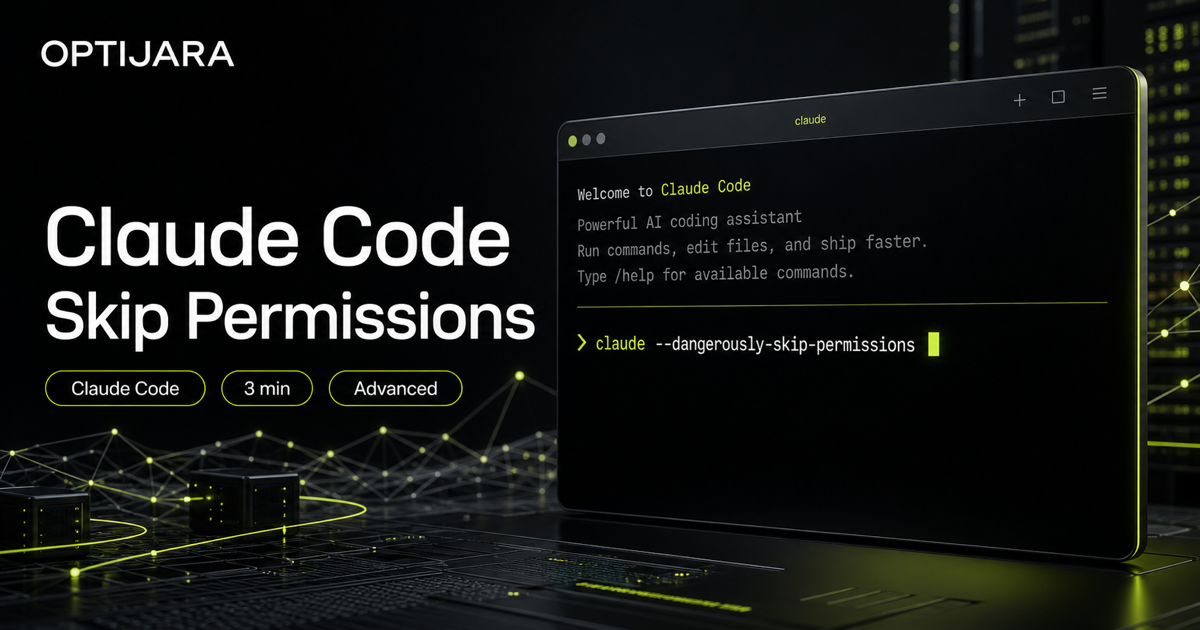
How to Run Claude Code with Dangerously Skip Permissions
Run Claude Code with skipped permissions only inside a safe folder, with rollback, review, and a final diff check.
Command
cd /path/to/your/project && claude --dangerously-skip-permissions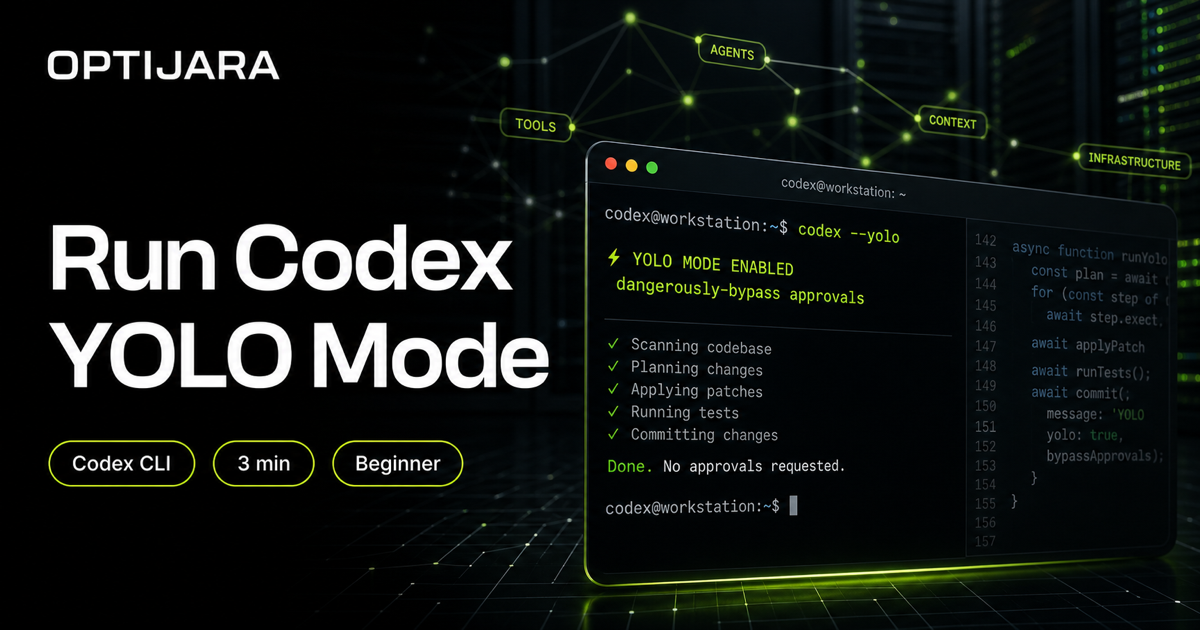
How to Run Codex CLI YOLO Mode
Run Codex with fewer prompts by starting in the right folder and using YOLO mode or the dangerous bypass flag when you accept the risk.
Command
cd /path/to/your/project && codex --yolo
How to Install and Run Gemini CLI on Mac and Windows
Install Gemini CLI, open the right folder, and run gemini from your terminal in three simple steps.
Command
npm install -g @google/gemini-cli && cd /path/to/your/project && gemini