07 — Tutoriels
Tutoriels
Guides de commandes pratiques d’Optijara pour les outils IA, les agents et l’automatisation. Choisissez un tutoriel, copiez les commandes et vérifiez le workflow étape par étape.

Créer un agent de qualification client Microsoft Copilot Studio pour les entreprises de services
Créez un agent qui qualifie les clients, collecte les détails du service, enregistre la demande et transmet les urgences à l’équipe.
Commande
Define intake fields → create Copilot Studio topic → call Power Automate
How to Install GitHub Copilot CLI on Mac and Windows
Step-by-step guide to installing the GitHub Copilot CLI extension. Learn how to authenticate and run gh copilot suggest and explain in your terminal.
Commande
gh extension install github/gh-copilot
How to Install Aider AI Coding CLI on Mac and Windows
Step-by-step guide to installing the Aider AI pair programming CLI on macOS and Windows. Learn how to configure API keys for Claude 3.7 and GPT-4o.
Commande
pip install aider-chat
How to Install and Run the Ollama CLI on Mac and Windows
Step-by-step guide to installing the Ollama CLI on macOS and Windows to run local AI models like Llama 3. Includes exact commands and port troubleshooting.
Commande
ollama run llama3
How to Install Claude Code CLI on Mac and Windows
Learn how to quickly install Anthropic's Claude Code CLI on Mac or Windows using npm. Copyable commands for global installation and terminal authentication.
Commande
npm install -g @anthropic-ai/claude-code
Comment installer OpenAI Codex CLI sur Mac et Windows (via NPM)
Apprenez à installer instantanément le nouvel agent Codex CLI via NPM.
Commande
npm install -g @openai/codex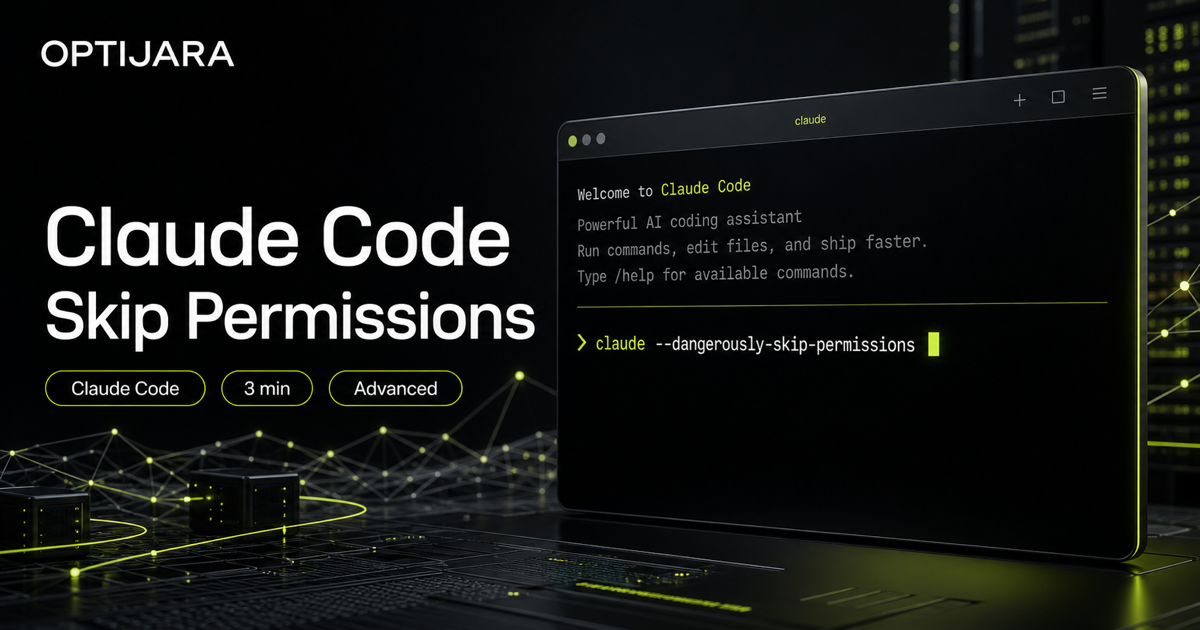
Lancer Claude Code avec permissions dangereusement ignorées
Lancez Claude Code avec permissions ignorées seulement dans un dossier sûr, avec retour arrière, revue et vérification du diff.
Commande
cd /path/to/your/project && claude --dangerously-skip-permissions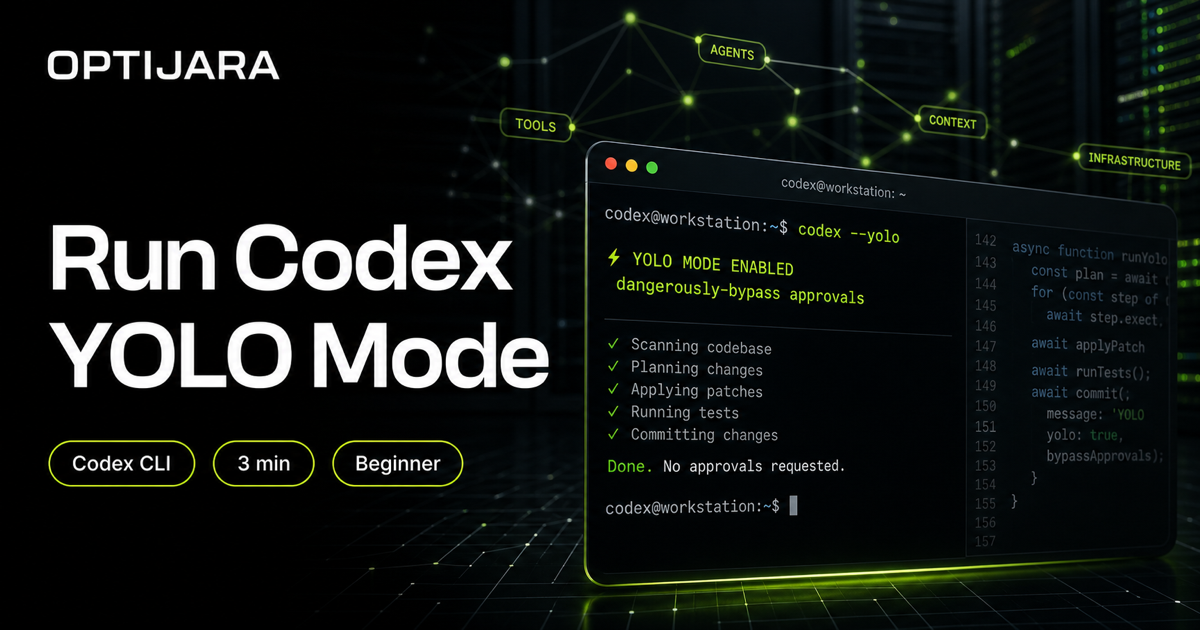
Lancer Codex CLI en mode YOLO
Lancez Codex avec moins de validations en ouvrant le bon dossier puis en utilisant YOLO ou le flag dangereux si vous acceptez le risque.
Commande
cd /path/to/your/project && codex --yolo
Installer et lancer Gemini CLI sur Mac et Windows
Installez Gemini CLI, ouvrez le bon dossier et lancez gemini depuis le terminal en trois étapes.
Commande
npm install -g @google/gemini-cli && cd /path/to/your/project && gemini